
Stylish Unicode fonts for bios and posts · Free · Copy & paste
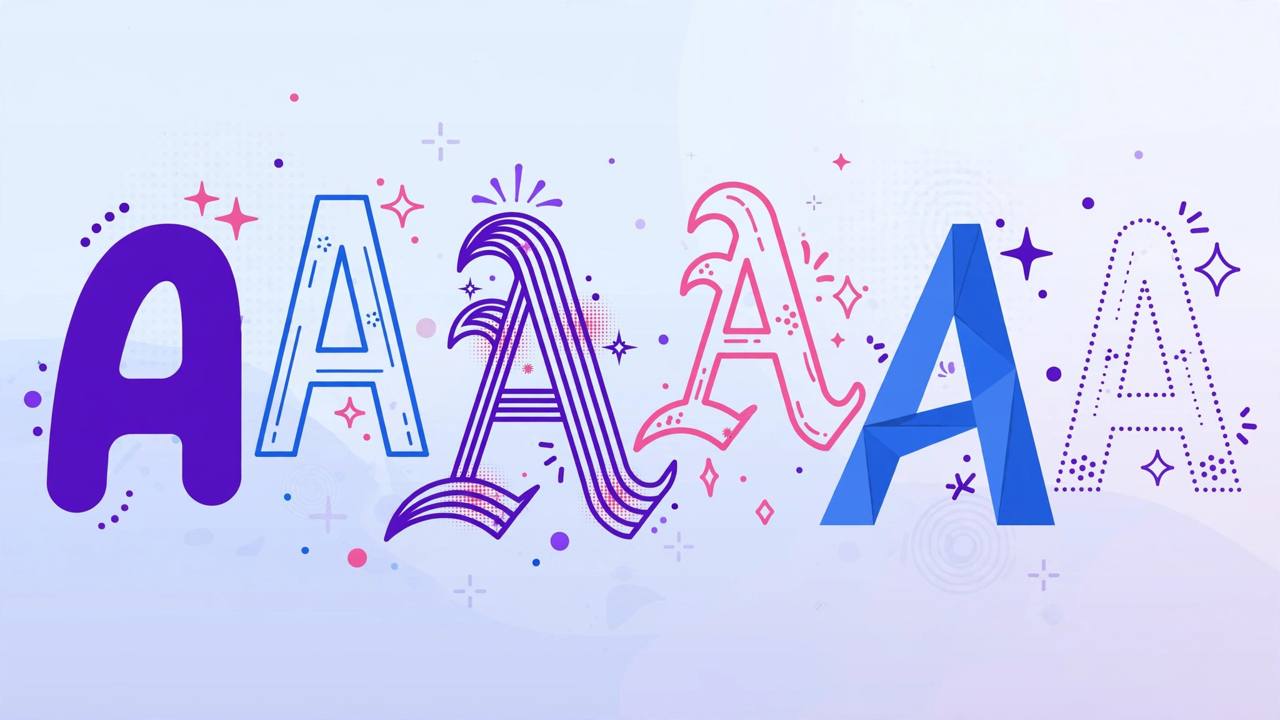
The Fancy Text Generator from FistHost Tools turns plain text into stylish Unicode fonts - bold, italic, script, monospace, circled, small caps and more. Standout bios, post openers and comments get more attention, and because these are real Unicode characters (not images), they paste anywhere: Instagram bios, TikTok captions, X posts, WhatsApp and Discord. Best of all, everything happens instantly with zero learning curve.
How to use: 1) Type or paste your text in the box. 2) Watch all eight styles generate live. 3) Hit Copy on your favourite style. 4) Paste it into your bio, caption or message.
Why use it? In a feed of identical-looking text, styled characters catch the eye and signal personality - creators, brands and gamers all use them to make names and bios memorable. Because the styles are plain Unicode text, they remain selectable, searchable and lightweight - unlike images of text, which hurt accessibility and cannot be copied by your followers.
Key benefits:
Who is it for? Creators styling their Instagram or TikTok bios, gamers designing clan names, small brands making announcements pop, and students personalising Discord profiles. Event organisers use circled and bold text to make key details unmissable in posts. It is perfect for anyone who wants visual flair without learning design software. Small stylistic touches like these are what make profiles truly unforgettable.
Pro tips: Use fancy text sparingly - a styled name or headline pops, but whole paragraphs in script font hurt readability. Also note screen readers may read styled characters oddly, so keep critical info in plain text too. Test your styled bio on both iOS and Android before finalising - rendering can vary slightly between platforms.
Related tools: Instagram Caption Generator, Hashtag Generator, Twitter Thread Splitter, Social Share Link Generator.
FAQs: Will this work on Instagram? Yes - Instagram, TikTok, X, Facebook and most apps render Unicode styles fine. Is it a real font? No - they are Unicode symbols that look like styled letters, which is why they work without installing anything. Does it affect SEO? For profile names it is cosmetic; keep your actual handle and keywords in plain text. Why do some characters look like boxes? Very old devices lack newer Unicode glyphs; the eight styles here use widely supported characters.
No reviews yet. Be the first to review this tool!
Reviews are protected by captcha and moderated before they appear.